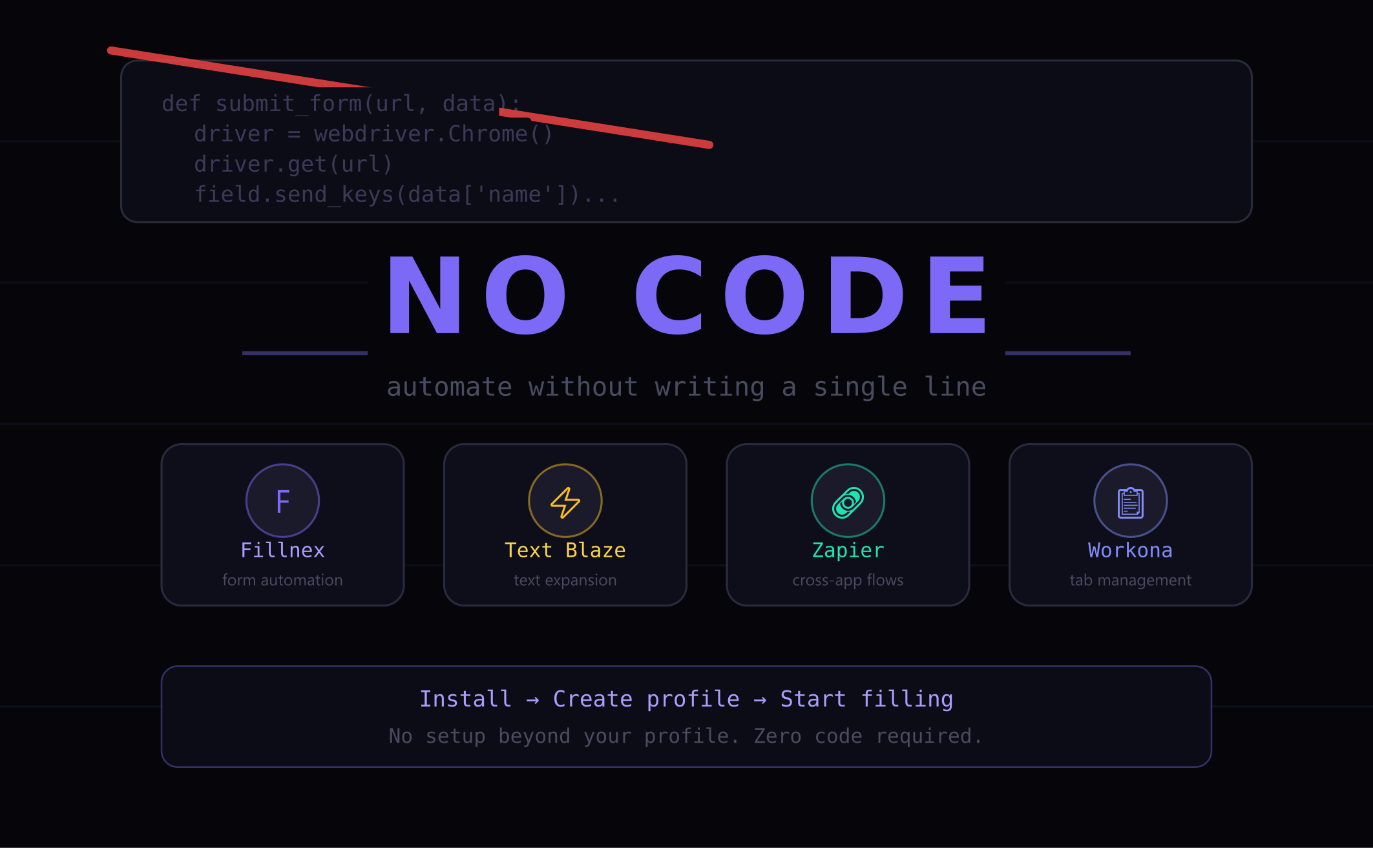
Most web automation advice assumes you can write Python scripts or configure Selenium. If you’re not a developer, that advice is useless. Here’s how to automate repetitive web tasks with zero coding required — using browser extensions that work out of the box.
The No-Code Automation Landscape
Web automation tools fall into two categories: code-required (Selenium, Playwright, Puppeteer) and no-code (browser extensions, visual automation tools). For most knowledge workers, the no-code category is the right starting point — and it can handle the vast majority of common repetitive tasks.
No-code browser automation works for:
- Filling the same form on multiple websites
- Creating accounts on platforms and services
- Submitting business information to directories
- Registering for events, trials, and platforms
- Running multi-step web workflows repeatedly
It doesn’t work well for tasks that require conditional logic, dynamic data processing, or API integrations — those still benefit from code. But for the high-frequency repetitive tasks most professionals actually face daily, no-code automation is sufficient and far more accessible.
Tool 1: Browser Automation Extensions (Form Filling)
For form-heavy workflows, a browser automation extension like Fillnex is the right starting point. Setup:
- Install the extension from Chrome Web Store or Firefox Add-ons
- Create a profile with your information (takes 10 minutes)
- Visit any form and click Fill This Page
For bulk tasks, create a campaign: paste your list of URLs, click Run, and the extension works through the list automatically.
No code, no configuration beyond profile setup, works on any website.
Tool 2: Zapier / Make for Cross-App Workflows
For workflows that connect different web apps — “when a form is submitted, add the data to a spreadsheet and send a Slack message” — no-code automation platforms like Zapier or Make are the right tool.
These tools use visual workflow builders where you connect triggers and actions from different apps. No code required, though some logic configuration is needed for complex flows.
Best for: CRM updates, email triggers, data synchronization between platforms.
Tool 3: Text Expansion for Repetitive Typing
Text expansion tools (Text Blaze, Espanso) let you create keyboard shortcuts that expand into longer text. Type /bio and it expands into your full professional bio. Type /addr and it fills your complete address.
This complements form automation for situations where you’re typing in chat interfaces, email clients, or text areas that automation extensions don’t target.
Tool 4: Browser Macros for Click Sequences
For workflows involving specific click sequences (navigate to X, click button Y, fill field Z), browser macro tools record your actions and replay them. Fillnex’s Form Replay feature handles this for form-centric workflows — you record the complete interaction once and replay it indefinitely.
Building a No-Code Automation System
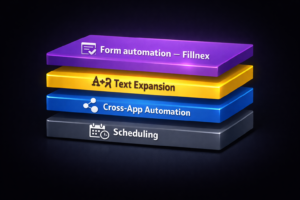
The most effective approach combines multiple no-code tools, each handling what it’s best at:
- Fillnex — handles all form filling and bulk site campaigns
- Zapier/Make — handles cross-app data flows and triggered automations
- Text Blaze — handles repetitive typing in non-form contexts
- Scheduled tasks — use Fillnex’s scheduler to run campaigns at set times
These four tools together can automate 80%+ of the repetitive web tasks a typical knowledge worker encounters daily — with zero code written.
When to Graduate to Code-Based Automation
No-code tools have real limits. When you need:
- Dynamic data from APIs or databases to fill forms
- Conditional logic (“if field X contains Y, fill field Z with W”)
- Automated decision-making based on page content
- Integration with internal systems without Zapier support
…then Python + Playwright or Selenium becomes the right tool. But start with no-code — most workflows never need to graduate beyond it.
→ What is a browser automation extension?
→ How to save 10+ hours a week with form automation
Start automating without code
Fillnex works out of the box — no setup beyond your profile.
Start Free Trial →