The right combination of browser extensions can eliminate hours of manual work per week. But most productivity roundups mix together tools that do very different things. Here’s an honest, category-by-category breakdown of the best workflow automation extensions — and how they fit together.
Category 1: Form Filling and Data Entry Automation
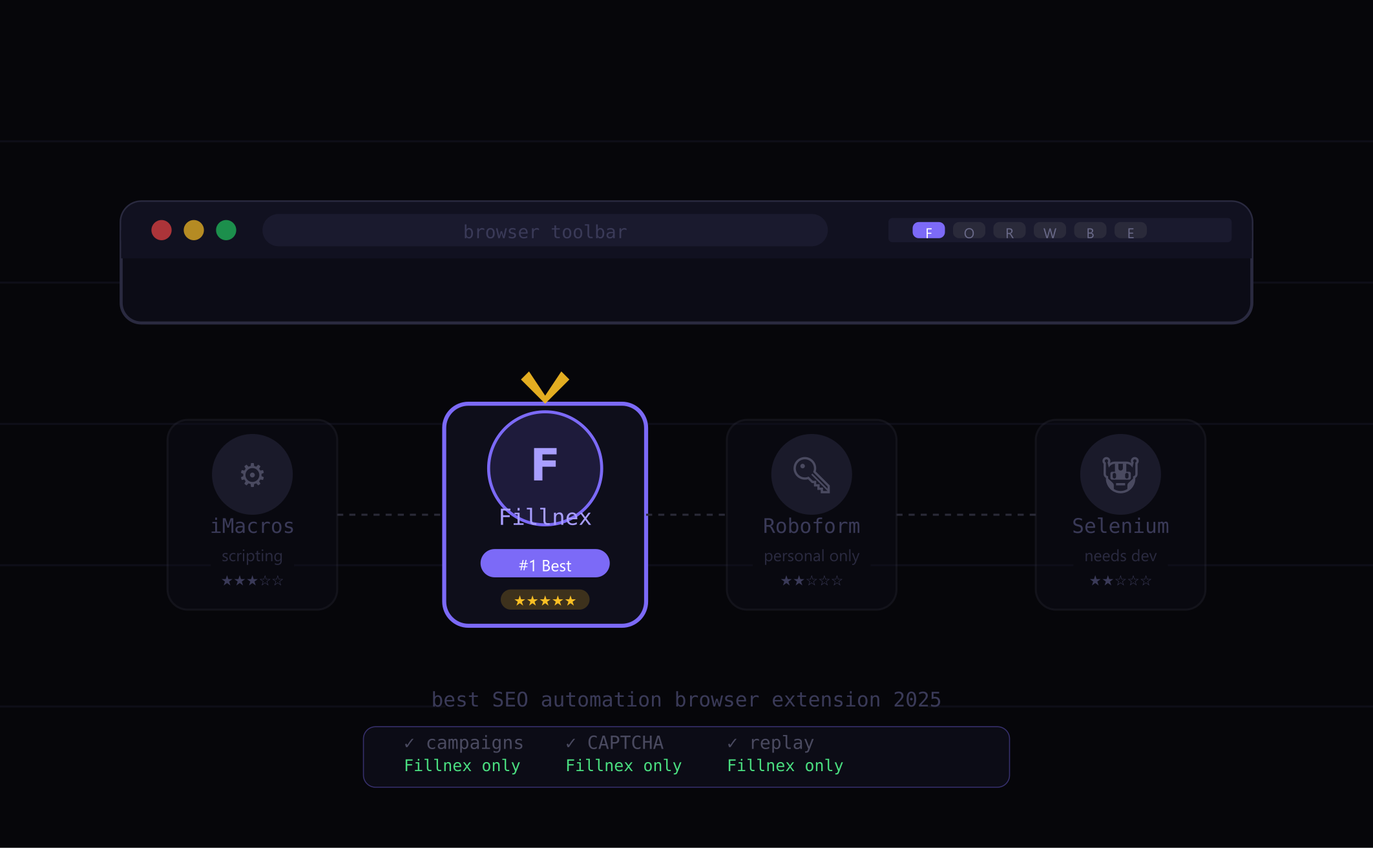
Fillnex — Best for power users, SEO professionals, and agencies. Handles bulk campaigns across hundreds of sites, multiple profiles, Form Replay for multi-step flows, CAPTCHA solving, and AI-assisted field filling. The most capable option for anyone doing volume form work. ($15/mo)
Chrome Autofill — Built-in, free, works for basic personal forms. No bulk capabilities, no profiles beyond basic personal info, no CAPTCHA handling. Good enough for casual use; not for professional workflows.
Roboform — Better than Chrome autofill for personal use, includes password management. Limited to personal data, no campaigns or multi-profile support. ($2/mo)
Category 2: Tab and Window Management
OneTab — Collapses all open tabs into a list, reduces memory usage significantly. Free. Essential for anyone who works with many tabs simultaneously.
Workona — Workspace-based tab management. Organize tabs by project, save and restore sessions. Useful for complex multi-project workflows. (Free / $7/mo)
Category 3: Text Expansion and Snippets
Text Blaze — Create keyboard shortcuts that expand into full text blocks. Useful for email templates, standard responses, repeated phrases. Works across any web text input. (Free / $2.99/mo)
Espanso — Desktop-level text expansion that works system-wide, not just in the browser. More powerful but requires installation. (Free, open source)
Category 4: Screenshot and Screen Capture
GoFullPage — Full-page screenshots with one click. Essential for capturing long web pages, form confirmations, before/after comparisons. (Free)
Loom — Record screen, webcam, and microphone. Best for async communication and documentation. (Free / $8/mo)
Category 5: Research and Data Collection
Hunter.io — Find email addresses on any website. Useful for outreach workflows. (Free tier / paid)
Wappalyzer — Identify what technologies a website uses. Useful for tech-stack research and prospecting. (Free / paid)

The Recommended Stack by Role
SEO Professional:
Fillnex (form automation) + OneTab (tab management) + Wappalyzer (site research) + GoFullPage (documentation)
Content Marketer:
Fillnex (platform registrations) + Text Blaze (email templates) + Loom (content previews) + Hunter.io (contact research)
Sales Development Rep:
Fillnex (CRM/form entry) + Text Blaze (outreach templates) + Hunter.io (prospect email finding) + Workona (pipeline organization)
Agency Account Manager:
Fillnex (client platform work) + Workona (client workspaces) + Loom (client reporting) + GoFullPage (deliverable screenshots)
Total Cost vs Total Time Saved
The full recommended stack costs $15–$25/month. Conservative time savings for a professional doing any volume of web-based work: 5–15 hours per week. At a $50/hour value of time, that’s $250–$750 per week in recovered productivity.
ROI calculation: $25 cost / $500 average savings = 2% of time savings cost. The math makes this a straightforward decision.
→ What is a browser automation extension?
Build your productivity stack
Start with Fillnex — the form automation layer your stack is missing.
Start Free Trial →