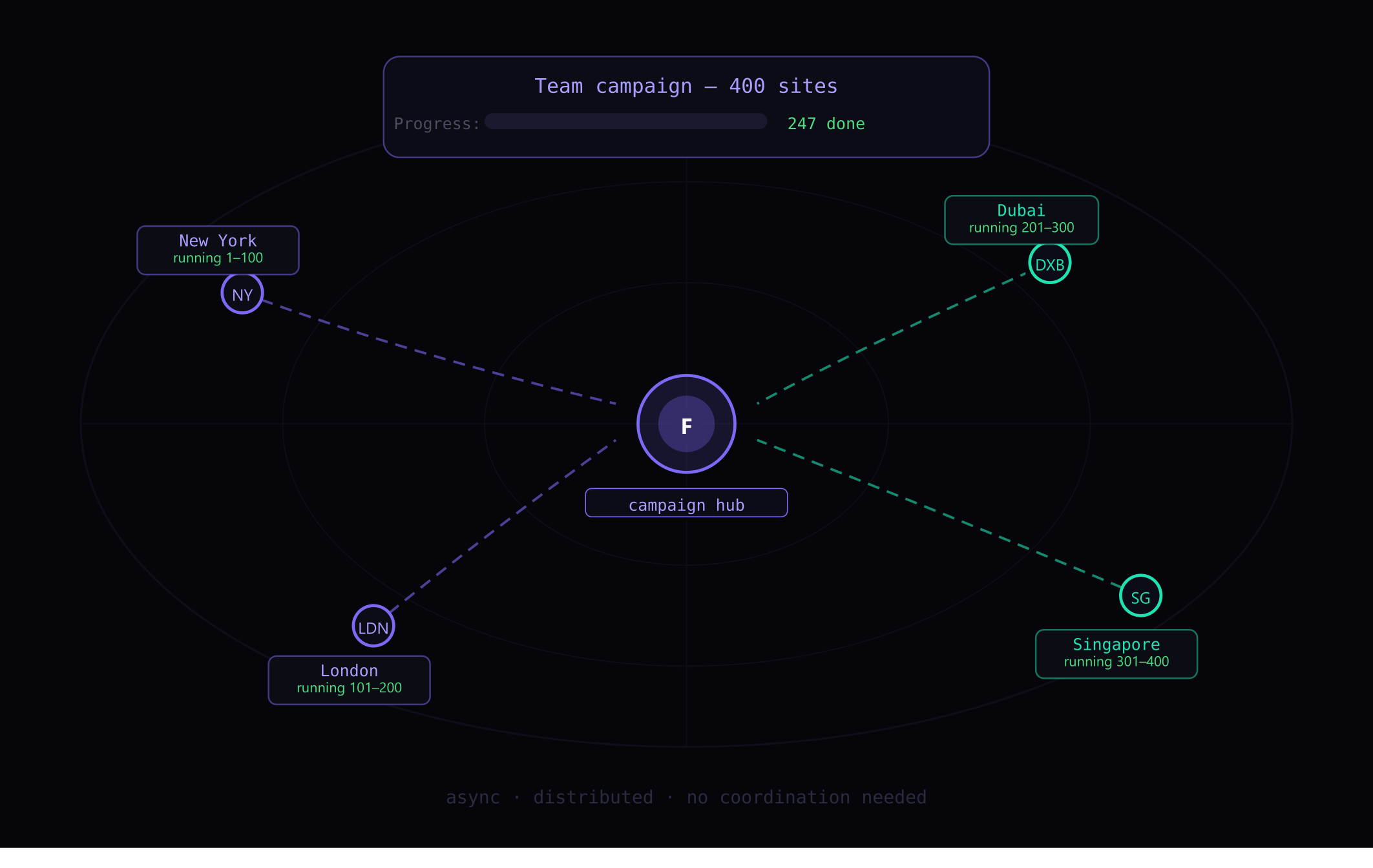
Remote work amplifies both the benefits and the costs of workflow automation. When your team is distributed, manual processes are harder to coordinate, errors are more expensive to catch, and time zone differences mean async execution is essential. Browser automation solves all three problems.
The Remote Work Automation Gap
In-office teams can coordinate manual processes through proximity — someone walks over and shows a teammate how to fill a form correctly, or a manager catches an error before it goes out. Remote teams don’t have this option.
This makes consistency and accuracy even more critical in distributed environments. Browser automation addresses this directly: when the same profile data fills every form automatically, there’s no variance between team members’ manual inputs, no training required on form conventions, and no errors from fatigue or inattention.
Use Case 1: Shared Campaign Execution
Remote agencies and marketing teams frequently need multiple people running the same campaign across different time zones. With Fillnex:
- One team member creates the campaign list and profiles
- Other team members clone the setup (export/import profiles and campaign lists)
- Each person runs their assigned batch during their working hours
- Results are logged to a shared spreadsheet

The campaign runs continuously across time zones without coordination overhead. The work that would have required a synchronous team session now happens asynchronously across three continents.
Use Case 2: New Employee Onboarding
Remote onboarding involves a lot of form filling — HR systems, benefits enrollment, platform registrations, tool signups, directory listings for new team members. A standard onboarding campaign can handle most of this automatically.
Instead of emailing a new hire a list of 30 platforms to register on manually, you prepare an onboarding campaign. The new hire installs Fillnex, imports their profile, and runs the campaign. Platform registrations that would take half a day take 45 minutes of automated runtime.
Use Case 3: Client Reporting Platform Submissions
Agencies with remote teams often submit work to client platforms — project management tools, reporting dashboards, delivery portals. Each client has their own platform with its own form structure.
Building Form Replays for each client’s submission flow means any team member can submit deliverables to any client platform correctly, without needing to know each platform’s specific interface. The replay handles navigation; the team member just triggers it.
Use Case 4: Distributed Content Promotion
Content promotion — submitting articles to aggregators, sharing on bookmarking sites, registering on content discovery platforms — benefits from geographic distribution. Content promoted from different IP addresses looks more organic.
Remote teams can coordinate promotion campaigns with each team member running their assigned portion of the campaign list from their local network. Same campaign, distributed execution.
Building Remote-Friendly Automation Workflows
Key principles for remote team automation:
- Standardize profiles: Agree on exact NAP format, bio text, and other shared data before anyone builds campaigns
- Centralize campaign lists: Maintain a shared spreadsheet of campaign URLs, accessible to all team members
- Document replays: Keep a shared log of which sites have recorded replays and who to contact if they need updating
- Use scheduling: Fillnex’s scheduler lets team members set campaigns to run during off-hours, maximizing productive time
The Coordination Cost Reduction
The biggest hidden benefit of automation for remote teams isn’t the time saved on task execution — it’s the reduction in coordination overhead. Every manual process that requires sync coordination (Zoom calls, Slack threads, “how do I fill this form?”) has an automation equivalent that doesn’t require any coordination at all.
Each automated workflow you build eliminates a category of async communication about that workflow. Over months, this accumulates into significantly less coordination overhead and more time for the high-value work that remote collaboration excels at.
→ What is a browser automation extension?
→ Build your personal automation system
Automate your remote team workflows
Agency plan includes 5 seats — perfect for distributed teams.
Try Agency Plan →