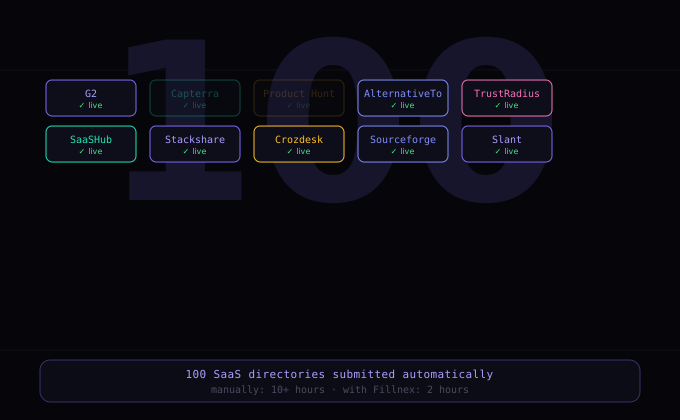
Getting your SaaS listed on software directories is one of the highest-ROI early growth tactics available — and one of the most tedious to execute manually. This guide shows you how to automate the entire process.
Why SaaS Directory Listings Matter
Software directories drive three types of value: backlinks (most directories provide do-follow links), referral traffic (G2, Capterra, and AlternativeTo send meaningful buyer traffic), and brand discovery (people searching for software solutions find your product in category listings).
The compound effect builds over time. A product listed on 200 directories has 200 backlinks, appears in 200 category pages, and benefits from 200 ongoing traffic sources. Getting to that number manually takes weeks. Automation gets you there in days.
Building Your SaaS Directory List
Start with a tiered list:
Tier 1 — High-traffic, high-authority (do manually): G2, Capterra, GetApp, Software Advice, TrustRadius, Product Hunt, AlternativeTo, SaaSHub. These require detailed profiles and often go through editorial review — invest time here.
Tier 2 — Mid-tier directories (automate): Stackshare, Slant, Serchen, Crozdesk, Siftery, Sourceforge, FinancesOnline. Standard forms, good authority, good candidates for automation.
Tier 3 — General directories (automate): General business directories that accept software listings. Lower individual value but high cumulative impact.
Sources for building your list: competitor backlink profiles in Ahrefs/Semrush (see where they’re listed), “submit software” or “add SaaS” Google searches, and curated SaaS directory lists available on GitHub.
Setting Up Your SaaS Profile in Fillnex
Create a dedicated profile for your SaaS with:
- Product name: Exact branding, consistent capitalization
- Website: Homepage URL (include UTM for tracking:
?utm_source=directory&utm_medium=listing) - Tagline: 10–15 word value proposition. Use spintax for variation:
{The fastest|The smartest|The easiest} way to {automate|streamline|simplify} {X} - Description: 150–300 word product description with 2–3 spintax variations
- Category: Primary software category (Marketing, Productivity, Developer Tools, etc.)
- Pricing: Starting price point
- Contact: Founder or marketing email
- Logo URL: Direct link to your logo image
Recording Replays for Complex Directories
Tier 1 directories like G2 and Product Hunt require creating an account before submitting. Record a Form Replay for each:
- Click Record in Fillnex popup
- Go through the account creation → product submission flow
- Handle any email verification manually during recording
- Click Stop and save as “G2 – Product Submission” etc.
You’ll reuse these replays for future product updates, regional variants, or additional products.
Running the Campaign
- Settings → Campaigns → New Campaign → “SaaS Directories”
- Paste your Tier 2 and Tier 3 URL list
- Assign your SaaS profile
- Assign replays to any complex sites
- Enable 2Captcha (many directories use reCAPTCHA)
- Run — monitor the first 10 submissions to confirm quality
Tracking and Measuring Results
Log each submission in a spreadsheet: site name, URL, submission date, status (pending/live), listing URL. Monitor with Ahrefs or Semrush for new backlinks appearing. Track referral traffic in Google Analytics with the UTM parameters you included in your website URL.
Typical timeline: links start appearing within 2–6 weeks. Meaningful referral traffic from top directories builds over 3–6 months as your review count grows.
→ What is form automation for marketers?
List your SaaS on 100 directories this week
Start your free trial and run your first SaaS directory campaign.
Start Free Trial →